Real Estate Marketing with Augmented Reality
Real estate professionals are using WebAR, AI 3D models, and AR QR Codes to let buyers explore...
Read articleSkip the studio. Skip the CAD workflow.
Upload a single JPG or PNG and ConvertInAR builds a clean, proportionally accurate 3D asset you can preview, publish, and place in AR — without hiring a 3D team.
1 photo
Minimum input
GLB + USDZ
Export formats
< 5 min
Typical turnaround
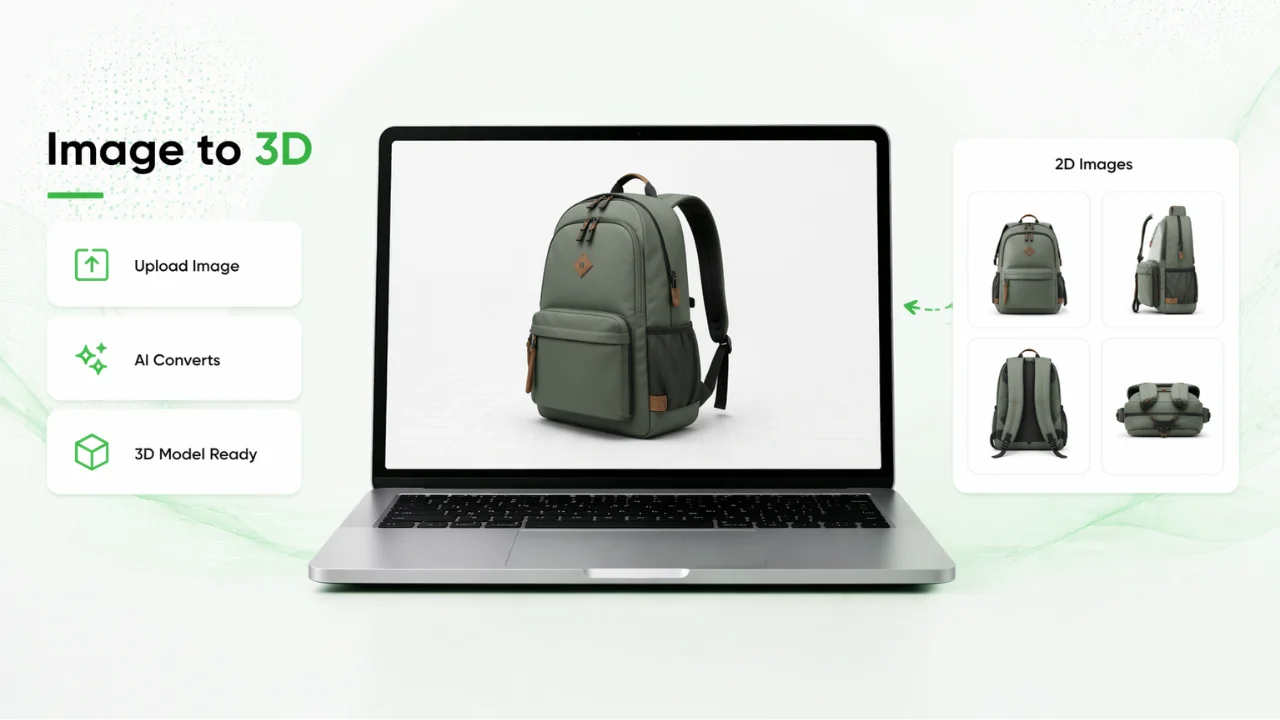
Upload a single JPG or PNG and ConvertInAR builds a clean, proportionally accurate 3D asset you can preview, publish, and place in AR — without hiring a 3D team.
Image to 3D supports JPG and PNG uploads. Upload a single clear product photo and ConvertInAR's AI generates a proportionally accurate 3D model ready for preview, export, and AR publishing.
For most product types, Image to 3D produces clean geometry with realistic proportions. For maximum precision on physical objects, pair it with LiDAR capture using the ConvertInAR AR Scanner app.
No. Image to 3D is built for marketers, ecommerce teams, and creators who need AR-ready assets without Blender, CAD tools, or a dedicated 3D team.
You can export AR-ready GLB and USDZ files in one click, making models compatible with WebAR, iOS Quick Look, Android Scene Viewer, and standard 3D workflows.
Yes. After generation, publish your model as a browser-based WebAR experience and share it via AR QR Code. Customers view it on their smartphone without downloading an app.
Most product photos convert into a usable 3D model in under two minutes, depending on image quality and object complexity.
ConvertInAR Blog
Articles that explain how teams use this workflow with WebAR and AI 3D creation.
Real estate professionals are using WebAR, AI 3D models, and AR QR Codes to let buyers explore...
Read articleFashion brands are using WebAR, AI 3D models, and AR QR Codes to let shoppers explore handbags,...
Read articleAR QR Codes let ecommerce shoppers scan, view, and interact with 3D products in WebAR from their...
Read articleWith an AI Image to 3D Model Generator, anyone can transform a simple photograph into a realistic...
Read articleThe FIFA World Cup 2026 has brought football fans together like never before, delivering...
Read articleRestaurants are searching for new ways to create memorable dining experiences. An Augmented Reality...
Read articleContinue exploring the full ConvertInAR ecosystem by comparing use cases and pricing options.