Every 3D format your AR launch actually needs.
Convert once. Deploy everywhere.
Move between GLB, USDZ, and other AR-friendly formats without breaking compatibility on iOS Quick Look, Android Scene Viewer, or web-based viewers.
GLB ↔ USDZ
Core workflows
Optimized
Output sizing
Cross-platform
Delivery ready
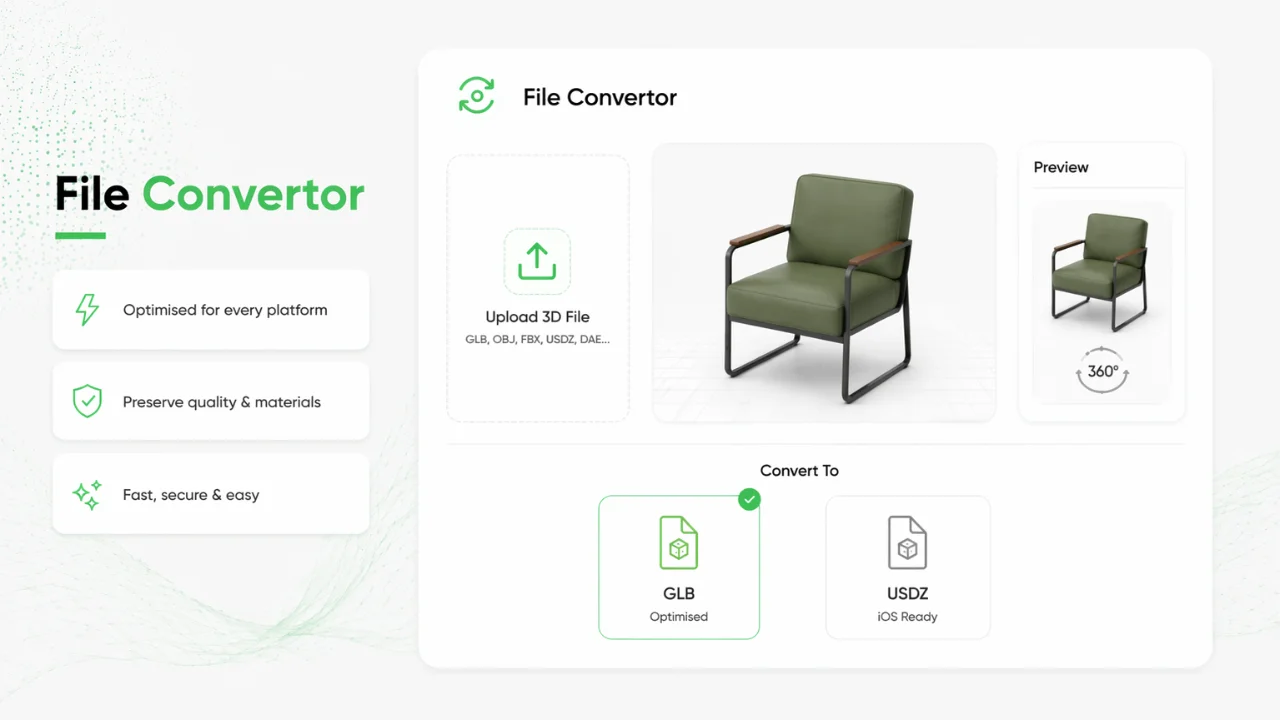
Why teams choose File Convertor
Move between GLB, USDZ, and other AR-friendly formats without breaking compatibility on iOS Quick Look, Android Scene Viewer, or web-based viewers.
- ✓Supports GLB to USDZ and more format conversions
- ✓Auto-optimises file size without quality loss
- ✓Platform-ready output for iOS, Android and Web AR
Frequently Asked
Questions
File Convertor supports core AR workflows including GLB and USDZ, plus other 3D-friendly formats. Convert assets so they work across iOS Quick Look, Android Scene Viewer, and web-based viewers.
GLB is widely used for web and Android AR. USDZ is required for iOS Quick Look and many Apple AR experiences. Converting between them ensures your model works on every platform your customers use.
Yes. Converted outputs are optimized for fast loading and smooth WebAR performance without unnecessary quality loss, so models load quickly on mobile networks.
Yes. File Convertor produces platform-ready output for iOS Quick Look, Android Scene Viewer, and browser-based WebAR, so one workflow covers mobile AR delivery.
Yes. Upload existing GLB, USDZ, or other supported 3D files and convert them for AR publishing, even if they were built in external 3D software or supplied by a vendor.
Most conversions complete in seconds. Upload your file, choose the target format, and download or publish an AR-ready asset without manual retouching.
Related AR pages
Continue exploring the full ConvertInAR ecosystem by comparing use cases and pricing options.