AR Scanner
Point. Scan. Deploy in AR.
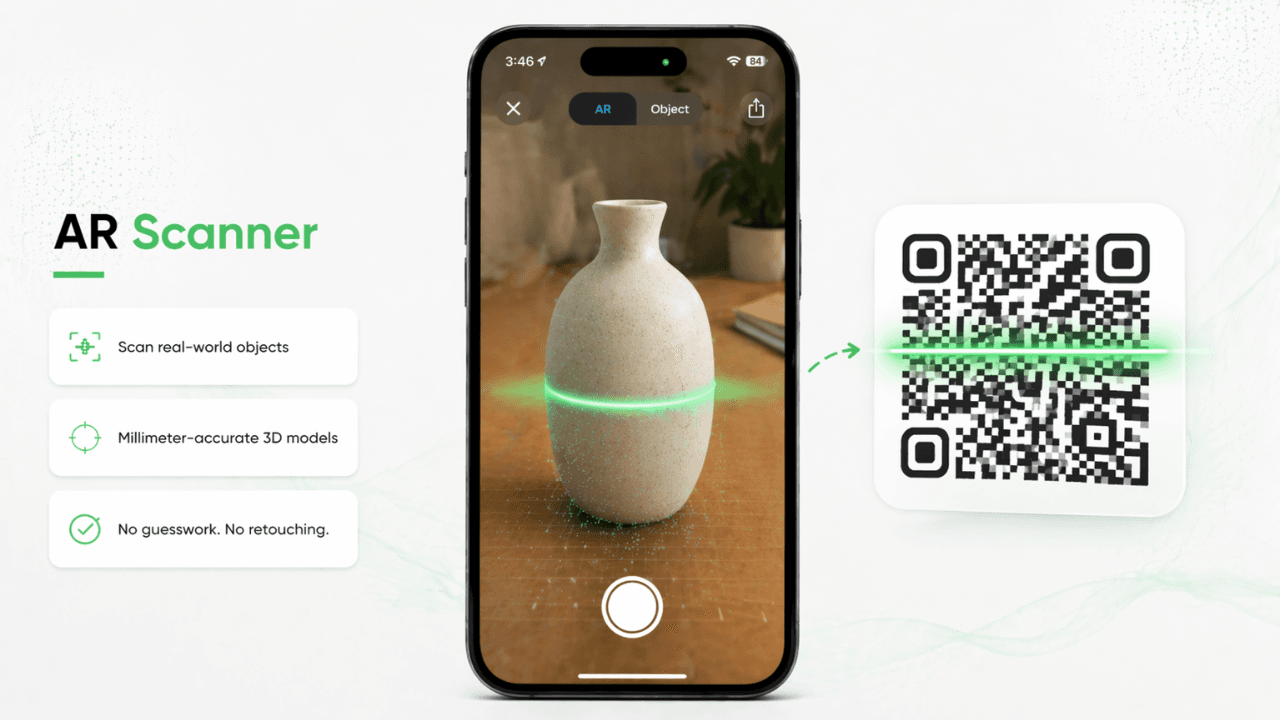
Capture real-world objects with our iOS app using Apple LiDAR technology. The AR Scanner generates precise, millimeter-accurate 3D models directly from the physical product with no guesswork and no retouching.
Why choose our AR Scanner?
Capture real-world objects with our iOS app using Apple LiDAR technology. The AR Scanner generates precise, millimeter-accurate 3D models directly from the physical product with no guesswork and no retouching.
- ✓LiDAR-powered capture for millimeter precision
- ✓Works on iPhone 12 Pro and newer
- ✓Syncs instantly to your ConvertinAR dashboard
Frequently Asked
Questions
Yes. Upload a GLB or USDZ file directly and we will convert it into an embeddable AR experience immediately.
For most product types, the AI generates a clean, proportionally accurate model. For maximum precision, use our iPhone LiDAR scanner.
We currently support direct uploads for GLB, USDZ, FBX, and OBJ files. For 2D images, we support JPG and PNG.
No. Any modern smartphone with a camera and a web browser can experience our AR.
Yes. Our Professional and Enterprise plans allow you to customize the QR code and AR environment.
Standard plans have high scan limits, while our Professional and Enterprise plans offer unlimited views.
Related AR pages
Continue exploring the full ConvertinAR ecosystem by comparing use cases and pricing options.